
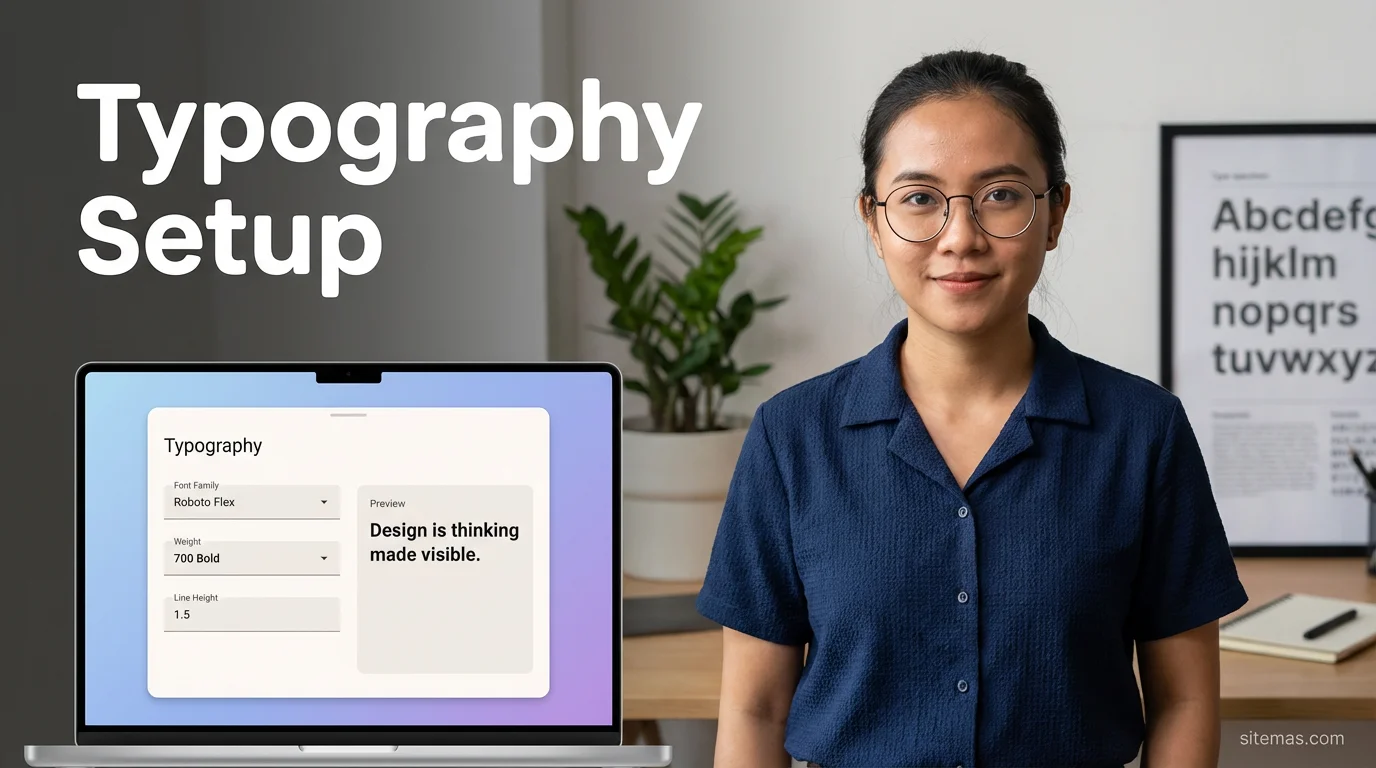

Typography adalah elemen penting selain warna dalam membangun identitas brand. Sitemas menggunakan sistem font yang di-self-host untuk performa maksimal. Artikel ini akan memandu Anda mengganti font sesuai kebutuhan.
Font Default Sitemas
Sitemas menggunakan Google Sans sebagai font default yang sudah di-self-host:
| Kategori | Font | Fallback |
|---|---|---|
| Sans-serif (Primary) | Google Sans | system-ui, -apple-system, sans-serif |
| Monospace (Code) | JetBrains Mono | Consolas, monospace |
Lokasi File Font
public/fonts/
├── GoogleSans-Regular.woff2
├── GoogleSans-Medium.woff2
├── GoogleSans-Bold.woff2
├── JetBrainsMono-Regular.woff2
└── JetBrainsMono-Medium.woff2
Kenapa Self-Host Font?
| Google Fonts (External) | Self-Hosted |
|---|---|
| Request ke server eksternal | ✅ Loaded dari domain sendiri |
| Blocking render | ✅ Faster first paint |
| Privacy concern (GDPR) | ✅ No third-party tracking |
| CDN bisa down | ✅ Always available |
Self-hosting font bisa mempercepat load time hingga 100-300ms karena menghilangkan DNS lookup dan connection ke Google Fonts.
Cara Mengganti Font
Download Font
Pilih font dari sumber berikut (dalam format WOFF2):
- Google Fonts — Download manual
- google-webfonts-helper — Easy downloader
- Bunny Fonts — Privacy-friendly alternative
- Font Squirrel — Free fonts
Download setidaknya 3 weights:
- Regular (400)
- Medium (500)
- Bold (700)
Tambahkan ke public/fonts
Copy file font ke folder public/fonts/:
public/fonts/
├── Inter-Regular.woff2
├── Inter-Medium.woff2
└── Inter-Bold.woff2
Update fonts.css
Edit file src/styles/fonts.css:
/* Primary Font - Inter */
@font-face {
    font-family: 'Inter';
    src: url('/fonts/Inter-Regular.woff2') format('woff2');
    font-weight: 400;
    font-style: normal;
    font-display: swap;
}

@font-face {
    font-family: 'Inter';
    src: url('/fonts/Inter-Medium.woff2') format('woff2');
    font-weight: 500;
    font-style: normal;
    font-display: swap;
}

@font-face {
    font-family: 'Inter';
    src: url('/fonts/Inter-Bold.woff2') format('woff2');
    font-weight: 700;
    font-style: normal;
    font-display: swap;
}
Update CSS Variables
Edit variabel font di src/styles/global.css atau m3-tokens.css:
:root {
    --font-sans: 'Inter', system-ui, -apple-system, BlinkMacSystemFont,
                 'Segoe UI', Roboto, 'Helvetica Neue', sans-serif;
    --font-mono: 'JetBrains Mono', 'Fira Code', Consolas,
                 'Courier New', monospace;
}
Update Font Preload
Edit src/layouts/BaseLayout.astro untuk preload font baru:
<head>
    <!-- Preload critical fonts -->
    <link
        rel="preload"
        href="/fonts/Inter-Regular.woff2"
        as="font"
        type="font/woff2"
        crossorigin
    />
    <link
        rel="preload"
        href="/fonts/Inter-Medium.woff2"
        as="font"
        type="font/woff2"
        crossorigin
    />
</head>
Font Populer untuk Blog
Untuk Readability (Long-form content)
| Font | Karakteristik | Link |
|---|---|---|
| Inter | Modern, clean, excellent readability | Download |
| Source Sans Pro | Adobe’s open source, versatile | Google Fonts |
| Nunito | Rounded, friendly, approachable | Google Fonts |
| Open Sans | Neutral, professional | Google Fonts |
Untuk Brand Identity (Headlines)
| Font | Karakteristik | Link |
|---|---|---|
| Outfit | Modern geometric | Google Fonts |
| Space Grotesk | Tech, futuristic | Google Fonts |
| Clash Display | Bold, impactful | Fontshare |
| Satoshi | Contemporary, versatile | Fontshare |
Untuk Code Blocks
| Font | Karakteristik | Link |
|---|---|---|
| JetBrains Mono | Ligatures, developer-friendly | JetBrains |
| Fira Code | Popular, free ligatures | Github |
| Source Code Pro | Adobe, clean | Google Fonts |
Menggunakan Dua Font (Heading + Body)
Untuk tampilan lebih dinamis, gunakan font berbeda untuk heading dan body:
:root {
    --font-display: 'Outfit', system-ui, sans-serif;  /* Headlines */
    --font-sans: 'Inter', system-ui, sans-serif;      /* Body text */
    --font-mono: 'JetBrains Mono', monospace;         /* Code */
}

h1, h2, h3, h4, h5, h6 {
    font-family: var(--font-display);
}

body {
    font-family: var(--font-sans);
}

code, pre {
    font-family: var(--font-mono);
}Maksimal 2-3 font family. Terlalu banyak font akan memperlambat load time dan membuat desain tidak konsisten.
Typography Tokens M3
Sitemas menggunakan typography tokens dari Material Design 3:
:root {
    /* Font Sizes */
    --font-size-xs: 0.75rem;    /* 12px */
    --font-size-sm: 0.875rem;   /* 14px */
    --font-size-base: 1rem;     /* 16px */
    --font-size-lg: 1.125rem;   /* 18px */
    --font-size-xl: 1.25rem;    /* 20px */
    --font-size-2xl: 1.5rem;    /* 24px */
    --font-size-3xl: 1.875rem;  /* 30px */
    --font-size-4xl: 2.25rem;   /* 36px */

    /* Font Weights */
    --font-weight-normal: 400;
    --font-weight-medium: 500;
    --font-weight-semibold: 600;
    --font-weight-bold: 700;

    /* Line Heights */
    --line-height-tight: 1.25;
    --line-height-snug: 1.375;
    --line-height-normal: 1.5;
    --line-height-relaxed: 1.625;
    --line-height-loose: 2;

    /* Letter Spacing */
    --letter-spacing-tight: -0.025em;
    --letter-spacing-normal: 0;
    --letter-spacing-wide: 0.025em;
}
Mengubah Ukuran Font
Untuk mengubah ukuran font secara global:
:root {
    /* Bigger body text untuk readability */
    --font-size-base: 1.0625rem;  /* 17px */

    /* Bigger headings */
    --font-size-4xl: 2.5rem;      /* 40px */
}
Responsive Typography
Sitemas sudah memiliki responsive font sizing. Untuk customize:
/* Mobile */
@media (max-width: 640px) {
    :root {
        --font-size-base: 0.9375rem;  /* 15px */
        --font-size-4xl: 1.875rem;    /* 30px */
    }
}

/* Desktop large */
@media (min-width: 1280px) {
    :root {
        --font-size-base: 1.0625rem;  /* 17px */
        --font-size-4xl: 2.5rem;      /* 40px */
    }
}
Optimasi Font Loading
Font Display Swap
Selalu gunakan font-display: swap untuk menghindari FOIT (Flash of Invisible Text):
@font-face {
    font-family: 'Inter';
    font-display: swap;  /* Penting! */
    /* ... */
}
Subset Font
Jika hanya menggunakan karakter Latin, download subset untuk ukuran file lebih kecil:
- google-webfonts-helper menyediakan opsi subset
- Bisa menghemat 50-70% ukuran file
Preload Critical Fonts
Hanya preload font yang digunakan above-the-fold:
<!-- Hanya preload Regular dan Medium -->
<link rel="preload" href="/fonts/Inter-Regular.woff2" as="font" type="font/woff2" crossorigin />
<link rel="preload" href="/fonts/Inter-Medium.woff2" as="font" type="font/woff2" crossorigin />

<!-- Bold bisa lazy load -->
Troubleshooting
Font Tidak Muncul
- Cek path file font (case-sensitive di Linux)
- Pastikan format WOFF2
- Cek Console browser untuk error 404
- Pastikan
crossoriginattribute ada di preload
FOUT (Flash of Unstyled Text)
Ini normal dengan font-display: swap. Untuk minimize:
- Preload critical fonts
- Gunakan system font fallback yang mirip
Langkah Selanjutnya
Setelah typography selesai, integrasikan analytics:
Track Visitors
Pelajari cara mengintegrasikan Google Analytics atau Plausible untuk tracking pengunjung.
Kesimpulan
Font yang tepat bisa mengubah kesan keseluruhan website. Dengan self-hosting dan konfigurasi yang benar, Anda mendapatkan performa optimal sekaligus identitas brand yang kuat.
Ingat prinsip:
- Self-host untuk performa
- Maksimal 2-3 font family
- Preload critical fonts saja
- Gunakan WOFF2 format
- Selalu
font-display: swap

Membangun ekosistem digital yang edukatif melalui Sitemas. Berfokus pada inovasi teknologi, AI, dan pengembangan konten kreatif yang berdampak.
Komentar